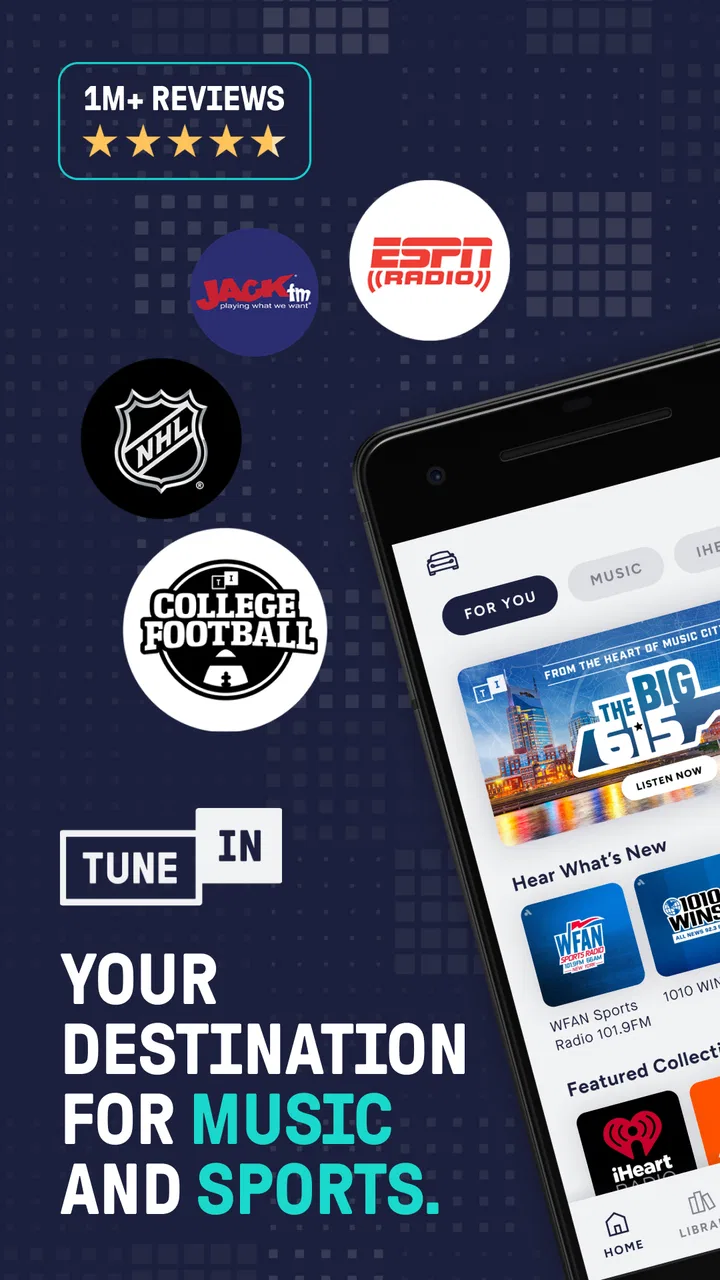
TuneIn Radio: Music & Sports
- 4.7
- Rating
- 100.00M
- Installs
- Free
- Price

 Analysis by App-foxy
I judge radio apps less by how impressive they look and more by what happens when I reach for them in an ordinary moment: walking out the door, cooking dinner, waiting for a match to start, or trying to follow news while my attention is elsewhere. TuneIn Radio: Music & Sports makes a strong case for itself because it brings live radio, sports coverage, music and news into one place. My experience with it is that its biggest strength is also its main condition: the quality of the whole experience depends heavily on the connection available at that moment.
Developed by TuneIn Inc, this free Music & Audio app is aimed at people who want live listening rather than a library built only around songs they already know. It has a 4.7 average from around 2.8 million ratings, and its reach is reflected in more than 100 million installs. Those figures do not replace personal testing, but they do explain why the app feels designed for many listening habits rather than one narrow audience.
How TuneIn feels when the connection is doing the work
The first thing I noticed is that TuneIn is most convincing when I treat it as a live audio doorway. Instead of opening a playlist and choosing every track, I can move between stations, news streams, music channels and sports-related listening. That difference matters. If I want predictable control over every song, a conventional music streaming service is usually more suitable. If I want the feeling of joining something already happening, this app is much more natural.
You May Also Like

 Pandora - Music & Podcasts
Pandora’s Music Is Easy to Start, but Harder to Recover
Pandora’s strength is its low-effort path from a seed to a station. Its weak spot is how much confidence it asks you to place in connection, setup, and quiet recovery.

 8 Ball Pool
 Is Built on Rivalries, Rematches, and Routine
A close look at the rivalries, rematches, shared routines, and unanswered safety questions that turn a quick pool match into a persistent mobile community.

 Samsung Music
’s Quiet Strength Is Playing What You Already Own
Its reach comes less from spectacle than from dependable access to a personal library. That simplicity is both the app’s strongest retention engine and its ceiling.

 AccuWeather: Weather Radar
AccuWeather Review: A Quick, Clear Forecast for Everyday Decisions
For everyday plans, the best forecast is the one you can understand quickly. AccuWeather makes rain timing, radar, and local conditions easy to act on, with a few trade-offs.

 Hill Climb Racing
Why Hill Climb Racing Still Turns Crashes Into One More Run
A tiny car, a bumpy hill and one more upgrade: Hill Climb Racing keeps resurfacing because its simple chaos makes every near-miss feel personal.

 AliExpress - Shopping App
AliExpress Makes Global Shopping Feel Personal, but Shoppers Bear the Risk
AliExpress turns a global marketplace into a pocket-sized discovery engine. Its reach is useful, its shopping loop compelling, and its trade-offs easy to miss.
More From Our News Desk
View All News


Live listening also changes how I think about interruptions. With an on-demand service, a pause usually waits for me. With radio, the program continues while I am dealing with a weak signal, switching apps or answering a call. A stable network makes that flow feel effortless, while an unstable one can make the same station feel frustrating. I therefore see TuneIn as a companion for connected moments, not as a replacement for every kind of audio playback.
A realistic example is a weekday morning. I might start with a news station while preparing breakfast, switch to music once I leave home, and then look for sports audio later in the day. The value is not just having several categories; it is avoiding the need to maintain separate habits for each type of listening. The app gives me one familiar starting point, which is especially useful when I want background audio quickly.
There is a small but important trade-off here. Radio stations decide much of the sequence, timing and presentation. That can make listening feel fresh, but it also means I cannot expect the precise control offered by a personal playlist. I may hear content that does not suit my mood, wait through a segment I would not have selected, or miss something if the connection drops at the wrong moment. For me, that unpredictability is part of the appeal, but it will bother listeners who want complete control.
Why mobile listening is the app’s natural setting
TuneIn makes the most sense on a phone because its purpose fits movement. I can use it during a commute, while doing housework, or when I want something to listen to without staring at the screen. The app’s usefulness increases when I prepare before leaving: I decide what kind of audio I want, start the station while the connection is reliable, and avoid unnecessary browsing once I am moving.
That workflow is more important than it sounds. Searching repeatedly in a poor-signal area is a poor way to use any live audio app. I prefer to choose a station at home or somewhere with dependable service, then keep the listening session simple. This reduces the number of times I need to reload pages or change streams while walking or travelling. It also makes the app feel less demanding, because I am using it as a player rather than constantly treating it like a catalogue.
For driving, I would use it cautiously and set everything up before the vehicle moves. Live radio can be a good passenger experience, but changing stations or reading descriptions while driving is not worth the distraction. The same principle applies when cycling or crossing busy streets: the audio is useful when it stays in the background, and the screen should not become the center of attention.
Headphones make the experience more personal, while a speaker is better for a kitchen or shared room. In either case, the connection remains the hidden part of the setup. A strong signal can make the app feel almost invisible; a fluctuating one turns the listening session into a series of interruptions. I would not choose this app for a place where I already know connectivity is unreliable unless I had another listening plan ready.
The Teen content rating is worth keeping in mind for families. It does not mean every station will suit every listener, so I would not hand over the app to a younger child without checking what they are likely to open. The broad range of live audio is useful for adults and older teenagers, but that same breadth means the listening experience depends on the station selected.
What I do when a stream stalls
When a station fails to start, my first step is not to keep tapping the same button. I check whether other audio sources in the app respond, because that helps distinguish a general connection problem from an issue with one stream. If another station starts normally, I move on rather than wasting time waiting for a single source. That simple habit makes TuneIn much less frustrating during busy moments.
If everything feels slow, I stop browsing and give the connection a moment before trying again. Repeatedly opening different stations can turn a brief network wobble into a longer, messier session. I also avoid making important plans around uninterrupted live audio. For example, I would not rely on one stream as my only way to follow a time-sensitive event while travelling through areas where service may change.
Recovery is easier when I remember what I was listening to. I usually keep a small mental shortlist of stations or categories I return to, rather than depending on a fresh search every time. This is one of the less obvious ways to improve the app: the more familiar I become with my regular listening routes, the less exposed I am to connection-related friction.
There is no magic setting that turns a live service into a guaranteed source of uninterrupted audio. A better approach is to treat a dropped stream as a normal possibility. If the program matters, I keep a second option in mind. If it is only background music, I switch to another station or pause until the network improves. That attitude is more realistic than expecting every live source to behave like a locally stored file.
Another practical point is timing. Starting a stream before entering a tunnel, elevator or low-coverage area gives it a better chance of continuing for a while, but I would not interpret that as proof that the app provides dependable listening without a connection. Its central experience is live access, so the network remains part of the product rather than a minor technical detail.
Using mobile data without losing the convenience
Because TuneIn focuses on live audio, I pay attention to how often I leave it running. A short news check and several hours of background listening are very different habits. On mobile data, I use the app deliberately: I choose a station before pressing play, avoid leaving audio active after I have finished, and check the phone’s own data controls if I am trying to keep usage under control.
I also think about the kind of listening session I am starting. A commute may justify live radio because it fills a fixed period, while opening a stream casually and forgetting it is playing can create unnecessary consumption. This is especially easy with audio because the screen may be off and the phone may be in a pocket. A quick pause when leaving a room or changing tasks is a small habit that prevents accidental listening.
On Wi-Fi, I am more relaxed, but I still avoid unnecessary station-hopping. Each change adds more loading and makes the experience feel less settled. Choosing a station according to the activity works better for me: news when I want information, music when I need a lighter background, and sports audio when the live event is the reason I opened the app. That kind of intentional choice improves both convenience and data awareness.
The free price makes it easy to try without a purchase commitment, although the app includes in-app purchases ranging from $0.99 to $149.99 per item. I would look carefully at any purchase screen before confirming anything, especially if another person uses my phone. The basic appeal is accessible, but optional spending means “free” should not be confused with every part of the experience having no cost.
The current version is 40.9.1, and I judge it as a mature app rather than a small experimental player. That maturity is helpful because the concept is broad: live radio, sports, music and news all need to coexist without making the starting experience confusing. At the same time, a broad service can feel less focused than a specialist app. Someone interested only in albums may prefer a dedicated music platform, while a serious sports follower may want a service built around one league or one competition.
Who benefits most, and who should choose something else
I would recommend TuneIn to people who enjoy discovery, live programming and the feeling that audio is happening beyond their personal library. It is particularly useful for listeners who move between news, music and sports instead of committing to one category. It also suits someone who wants a single app for varied background listening and does not mind that stations control the schedule.
I would be more cautious recommending it to someone who expects reliable listening in places with poor connectivity. The app’s value rises and falls with network quality, and no amount of browsing skill changes that basic relationship. I would also point playlist-focused listeners toward an on-demand music service if their priority is choosing an exact album, repeating one song or avoiding spoken segments.
People who want silence from advertising, commentary or unexpected programming may find live radio less comfortable than a carefully managed personal collection. In contrast, listeners who find algorithmic playlists repetitive may appreciate the surprise of a station format. That is the central comparison: TuneIn gives me access to live programming and variety, while conventional alternatives usually give me more control over the exact audio sequence.
For households, I would take the Teen rating seriously and supervise younger users by choosing suitable stations together. For an adult commuter, the app can be wonderfully simple once a few favorite listening patterns are established. For someone who only listens occasionally and has very limited mobile data, it may be wiser to use a service that matches shorter, more controlled sessions.
My final view after making connectivity part of the test
TuneIn Radio: Music & Sports is at its best when I want live audio now and have a dependable connection to support it. Its range makes it more flexible than a single-purpose radio player, and the free entry point makes experimenting easy. I like being able to move from information to music or sports without changing my overall listening routine.
Its weakness is inseparable from its identity. Live streams are less forgiving than downloaded or locally stored audio, and a poor connection can interrupt the exact moment I wanted to hear. I also have to accept less control than I would get from an on-demand catalogue, plus the need to watch my listening habits when using mobile data. Those are not minor details; they determine whether the app feels convenient or troublesome.
My practical recommendation is to use it intentionally. Build a short list of stations you genuinely enjoy, start important listening while the network is strong, stop playback when you are finished, and keep an alternative for moments when the signal becomes unreliable. Used that way, TuneIn feels like a dependable window into live audio rather than an app I expect to solve every listening need.
Since its release on September 2, 2010, the app has had plenty of time to establish its place in the Music & Audio category. I would choose it for variety, immediacy and the pleasure of discovering what is on right now. I would skip it as my only audio solution if exact song control, offline-style certainty or minimal data use mattered more than live radio. For the right listener, though, that balance is worthwhile: the best reason to install TuneIn is not simply the number of stations, but the way it makes a connected phone feel like a flexible live radio.
FAQs for TuneIn Radio: Music & Sports
01What is TuneIn Radio: Music & Sports?
TuneIn Radio: Music & Sports is a comprehensive streaming app that provides access to live radio stations, music, news, sports, and podcasts from around the world. It offers a vast library of content, including local and international stations, making it a great choice for users who want diverse audio entertainment options.
02Is TuneIn Radio free to use?
TuneIn Radio offers a free version that includes access to a wide range of radio stations and podcasts with ads. For an enhanced experience, users can opt for TuneIn Premium, which provides ad-free listening, live sports coverage, and additional exclusive content for a monthly fee.
03Can I listen to sports broadcasts on TuneIn Radio?
Yes, TuneIn Radio offers a dedicated sports section where users can listen to live broadcasts of various sports events, including NFL, MLB, and NBA games. The availability of sports content may vary based on your location and subscription level, with more options available for Premium subscribers.
04Does TuneIn Radio work offline?
TuneIn Radio primarily streams content online, so an internet connection is required for live radio and most features. However, TuneIn Premium subscribers can download certain programs and podcasts for offline listening, making it convenient for users who want to enjoy content without an active internet connection.
05How does TuneIn Radio compare to other streaming apps?
TuneIn Radio stands out with its extensive selection of live radio stations, podcasts, and exclusive sports content. While other streaming apps focus on music playlists or podcasts, TuneIn provides a unique blend of live content and on-demand options, catering to users who enjoy a mix of music, news, and sports.
Pros
- Extensive variety of global radio stations.
- Intuitive and user-friendly interface.
- Seamless streaming with minimal buffering.
- Access to live sports broadcasts and podcasts.
- Customizable playlists and favorites.
Cons
- Frequent ads in the free version.
- Some stations may have regional restrictions.
- Premium features are behind a paywall.
- Occasional app crashes reported by users.
- Limited offline listening options.

TuneIn Radio: Music & Sports
Gallery